Calibrate a Digital Angle Gauge for Perfect 45° Miter Sleds
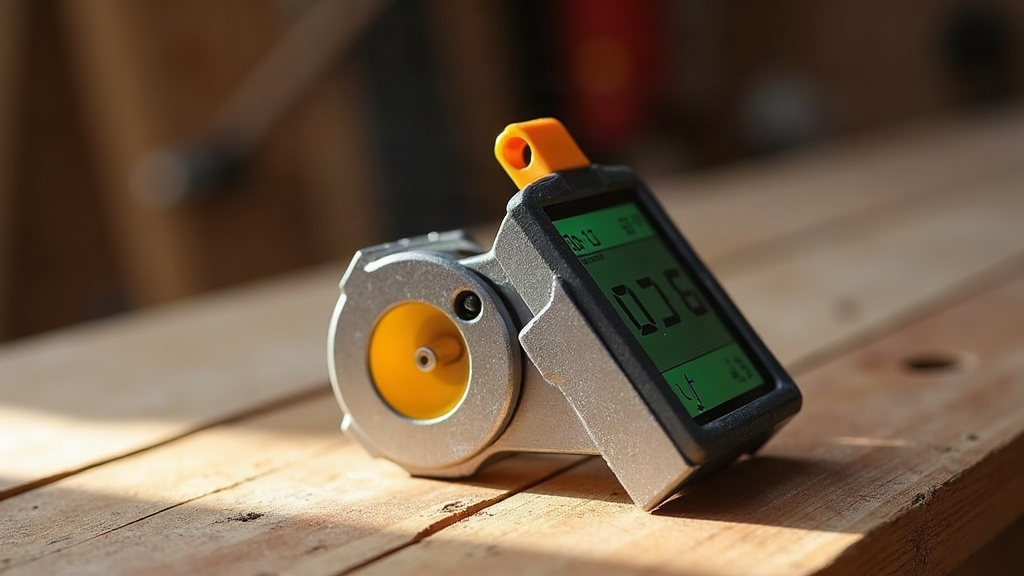
How to Calibrate a Digital Angle Gauge for Perfect Miter Cuts
A digital angle gauge is only as good as its last calibration. That sounds obvious, but here’s the part people miss: even a 0.1° error compounds fast. On a four-sided picture frame or box, that tiny slip turns into a gap you can see from across the room. This guide covers how to actually calibrate a digital angle gauge and use it to set up a table saw miter sled for true 45-degree cuts. No guesswork, no trusting the sled’s printed markings.
Why Calibration Matters More Than the Tool’s Price Tag
Even a premium gauge from Wixey, iGaging, or General Tools can drift. Drop it once, leave it in a hot truck all summer, or just let it age, and the calibration shifts. Here’s the math that should worry you: a gauge reading “45.0°” that’s actually off by 0.3° produces a cumulative error of 2.4° around a four-corner frame. That’s not subtle. Miter joints double every angle error because two mating edges each carry the mistake, so precision at the gauge level isn’t optional. It’s the whole game.
Step 1: Zero the Gauge on a Known Flat Reference
- Set the gauge on a certified flat surface. A table saw’s cast-iron top works, as does a granite surveying plate or a quality machinist square.
- Press ZERO (or HOLD/ZERO on some models) so the display reads 0.0°.
- Flip the gauge 180° on that same surface. It should still read 0.0°, or close to -0.0°.
- Get anything else in either orientation? Your reference surface probably isn’t flat enough. Switch to something else, like the blade of a precision square.
This flip check cancels out internal sensor bias and tells you whether your reference surface can actually be trusted. Skip it, and you’re building accuracy on a shaky foundation.
Step 2: Verify True 90° and 45° Using the Flip Test
Here’s a quirk a lot of woodworkers don’t know: a digital gauge can nail 0.0° and still drift at other angles because of sensor nonlinearity. Zero isn’t proof of anything beyond zero.
- Set the gauge against a machinist’s square, which is guaranteed 90°, and note the reading.
- Flip it 180° and average the two numbers. If that average isn’t within 0.05° of 90.0°, the gauge needs factory recalibration, or it’s time to replace it.
- For 45°, use a known drafting triangle or a precision 45° setup block. Check it face-up and face-down the same way.
No 45° reference on hand? You can derive one with a compass and straightedge by bisecting the square’s 90° corner. Or, honestly, most digital gauges interpolate linearly between 0° and 90°, so a solid 90° calibration is usually enough to trust the 45° reading too.
Step 3: Transfer Calibration to the Miter Sled
Once you’ve confirmed the gauge itself is accurate, move to the sled.
- Check the fence against the blade first, not the table. Lay the gauge flat against the blade (between teeth, resting on a flat carbide face) and zero it relative to that 90° reference.
- Move the gauge onto the sled’s miter fence. Adjust the stop screws until it reads exactly 45.0° relative to the blade’s 0°, not relative to the sled’s table surface, which may not be flat to begin with.
- Lock down the fence hardware. Then run the flip test again (measure, rotate the gauge 180°, measure again) to rule out any error from the mounting surface itself.
Step 4: The 5-Cut Method, or How to Catch What the Gauge Can’t See
Digital readouts can look perfect and still lie to you if the sled flexes or the blade has runout. The 5-cut test is the real-world check that exposes this.
- Cut one edge of a test board on the sled.
- Rotate the board 90° and cut the second edge, using that fresh-cut edge as your reference.
- Repeat for cuts 3, 4, and 5, always indexing off the previous cut, not the original edge.
- Measure the length difference between the first and last cut edges (call it D), and measure the full offcut length (L).
- Run the math:
error (degrees) = (D / L) × (180 / π) / 4
Whatever adjustment the sled needs, divide it by 4. Error accumulates across all four cuts, so correcting for the full amount at once will overshoot. This test catches mechanical drift that a digital gauge, no matter how well calibrated, simply can’t detect on its own.
Common Mistakes to Avoid
- Measuring over sawdust. Even a thin layer under the gauge introduces measurable tilt. Wipe the surface first, every time.
- Trusting one reading. A single number means nothing. Always average two flipped readings.
- Calibrating off the miter slot instead of the blade. Slots can run slightly out of parallel with the blade itself, and that small offset shows up in every cut.
- Ignoring the battery. Low voltage makes a lot of budget sensors read erratically, and you’ll chase a “calibration problem” that’s really just a dying battery.
Conclusion
A clean 45-degree miter joint doesn’t start when the saw spins up. It starts earlier, with a properly zeroed, flip-tested gauge and a sled calibrated against the actual blade rather than assumptions about a flat table. Pair the digital readings with the mechanical 5-cut test as your final sanity check, and the gaps disappear. Do this once, properly, and your joints hold up under close inspection every time after.